
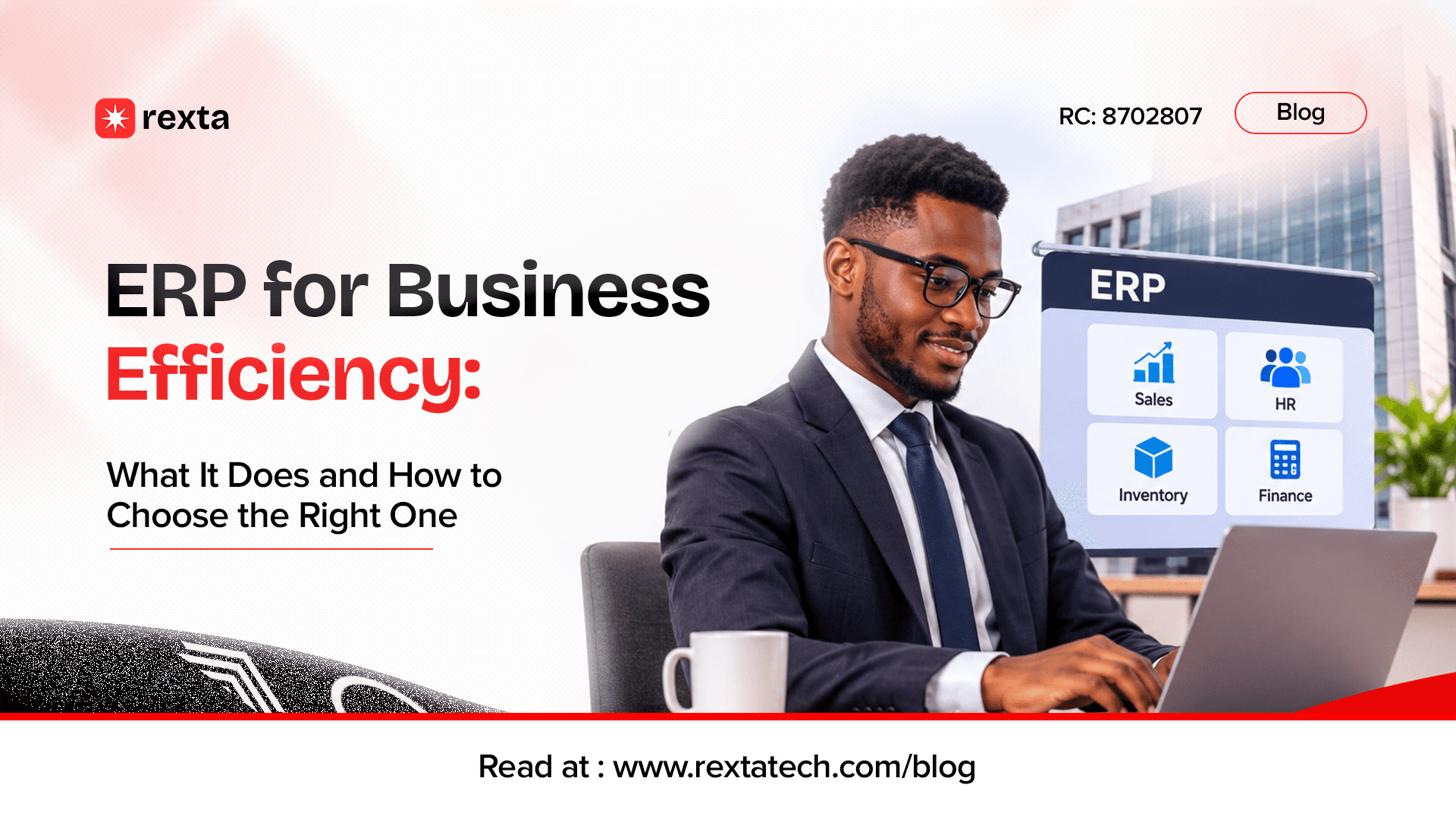
ERP for Business Efficiency: What It Does and How to Choose the Right One
Imagine a business where the sales team records orders in a spreadsheet, the accounts department maintains a separate record of payments, the warehouse tracks inventory in a notebook, and management has to wait until the end of the month to understand how the business is performing.
Now imagine a customer pays for an order, but the sales team has not updated the inventory officer. The warehouse prepares an item that is no longer available. Accounts cannot immediately confirm the payment, and someone has to spend the next hour calling different departments to establish what actually happened.
Nobody is necessarily doing a bad job on the team. The problem is that the business has no reliable way of keeping everyone and everything connected: the whole business runs in a silo.
This is often a familiar situation in growing businesses. As operations expand, more people become involved, more information is generated, and more tools are introduced to manage different responsibilities. But adding more tools does not automatically make a business more organized. Sometimes, it creates another layer of complexity.
This is where Enterprise Resource Planning, commonly known as ERP, becomes relevant.
An Enterprise Resource Planning (ERP) system is an integrated software solution that enables a business to manage and coordinate its core operations, resources, and processes within a centralized platform. It connects different departments and business functions, allowing them to work with shared information rather than operating through disconnected systems.
An ERP system can help a business bring its important operations together, reduce unnecessary manual work, improve access to information, and give management a clearer picture of what is happening across the organization.
You should also be informed earlier on that implementing an ERP system is not the same as achieving digital transformation or making the business efficient. The software must fit the business, the processes must make sense, and the people using it must understand how to work with it.
So, what exactly does an ERP system do? When does a business need one? Should you buy an existing solution or build something specifically for your operations? And what should you consider before committing money to one?
Let's get into it.
What Is an ERP System, and What Does It Actually Do?
ERP stands for Enterprise Resource Planning. An ERP system is a software designed to help organizations manage and coordinate important business activities through an integrated platform.
Rather than having every department operate independently, an ERP system connects relevant processes and allows information to flow between them.
For example, when a sales transaction is recorded, the system may update inventory, create a corresponding financial record, and make the transaction available for reporting, depending on the modules and workflows configured.
This is one of the central ideas behind ERP: information entered once can support several connected business activities.
According to Oracle's explanation of ERP, ERP systems connect business processes and help organizations work with shared transactional data instead of maintaining disconnected records. Think of an ERP system as a central operating environment for the business.
It does not mean every employee has access to everything. It means the different parts of the organization can work with relevant, connected information under controlled permissions.
What can an ERP system manage?
ERP platforms are usually modular. This means a business can use different components, often called modules, depending on its operational needs.
Here are some common examples:
ERP module | What it manages | Practical business example |
Finance and accounting | Income, expenses, payments, receivables, payables, and financial reporting | Management can review outstanding customer payments and business expenses |
Inventory management | Stock levels, product movements, warehouses, and stock valuation | A business can see available stock before accepting an order |
Sales and order management | Quotations, customer orders, invoices, and sales records | A sales representative can create an order that moves into fulfilment |
Procurement | Purchase requests, supplier records, approvals, and purchasing | Low stock can trigger a purchase request for approval |
Human resources | Employee records, leave, attendance, and other HR processes | HR can manage employee information from a central system |
Project management | Tasks, project costs, timelines, and resource allocation | A service company can track project progress and associated costs |
Manufacturing | Production planning, materials, work orders, and output | A manufacturer can monitor materials required for production |
Reporting and analytics | Operational reports, financial summaries, and performance indicators | Management can compare sales, expenses, and inventory performance |
Not every business needs all these modules. A professional services company may need project management, finance, employee records, and customer management. A distribution company may place greater importance on inventory, procurement, sales, and accounting.
A manufacturing business may require production planning, warehouse management, procurement, and quality control. The modules should reflect the actual business, not a checklist of impressive features.
ERP is not the same as accounting software
This distinction is worth understanding before choosing a system.
Accounting software primarily focuses on financial activities such as recording transactions, managing invoices, tracking expenses, and preparing financial reports.
ERP goes further by connecting financial operations with other parts of the business.
For example, an accounting application may record the sale of 50 products. An integrated ERP system could connect that sale to the customer order, reduce the available inventory, update the relevant financial records, and make the transaction available for management reporting.
Accounting can be part of an ERP system, but it is not the entire system.
Similarly, ERP is not necessarily the same as a Customer Relationship Management (CRM) system. A CRM focuses on customer interactions, sales opportunities, and relationship management. An ERP focuses more broadly on the resources and processes required to operate the organization. The two can be integrated.
If your business is trying to decide which kind of software it needs, understanding the actual problem is more useful than choosing a product based on its category.
How ERP Systems Can Improve Business Efficiency
Let's move beyond definitions and go into practical applications. The real value of ERP is not that it puts several modules under one dashboard. Its value lies in what changes when business processes become connected.
Advantage #1: Less time spent moving information around
Imagine that a customer places an order and makes payment.
In a disconnected environment, the sales representative may record the order, send payment information to accounts, and notify the warehouse. Accounts confirms the transaction, then someone updates the order status. The warehouse may still need to contact sales to clarify the delivery details.
An integrated workflow can reduce these handovers.
Once the transaction is recorded and the necessary payment confirmation is completed, the system can make the relevant information available to the next department.
Employees spend less time chasing updates and more time handling the work that actually requires their attention.
Advantage #2: Better visibility across the business
A business owner should not have to wait until several employees compile different spreadsheets to understand basic business performance.
With properly configured ERP reporting, management can access relevant information from connected operations.
For example, a business may be able to review:
Sales recorded within a particular period.
Outstanding customer payments.
Current stock levels.
Pending purchase orders.
Business expenses.
Project costs and progress.
Departmental performance.
The quality of these reports depends on the information entered, the system configuration, and the reporting capabilities available.
ERP does not magically produce accurate business intelligence. It makes it easier to organize and access the information the business already generates.
Advantage #3: Fewer avoidable errors
Manual data entry creates opportunities for mistakes.
An employee might enter the wrong quantity, record a payment against the wrong customer, or forget to update a stock balance.
When connected processes are configured properly, some of these updates can happen automatically.
For example, a completed sales transaction can trigger an inventory adjustment. A purchase order can follow an approval workflow before it becomes an authorized order.
Automation does not eliminate every error, but it can reduce repetitive tasks where mistakes are likely to occur.
Advantage #4: More accountable workflows
Who approved the purchase? When was the payment recorded? Who changed the delivery status? Which employee handled a particular request?
An ERP system can maintain records of transactions and user activities, depending on its audit and access-control features.
This makes it easier to establish responsibility and investigate discrepancies.
It also allows businesses to define approval processes. For example, purchases above a specified amount may require approval from a manager before procurement proceeds.
Instead of relying entirely on verbal instructions and informal messages, the business has a documented process.
Advantage #5: Better resource and inventory management
For businesses that handle physical products, poor inventory visibility can affect cash flow and customer satisfaction.
Too much stock ties up money. Too little stock can mean missed sales, delayed deliveries, and unhappy customers.
An ERP system with appropriate inventory and procurement capabilities can help track stock movements, monitor reorder levels, and provide visibility into purchasing requirements.
It can also help businesses understand which products move quickly, which items remain unsold, and where stock discrepancies occur.
Advantage #6: A stronger foundation for growth
Growth introduces complexity. More transactions, employees, locations, suppliers, and customers create more information to manage.
A business that depends entirely on manual processes may find that every new layer of growth increases administrative work.
An appropriately selected ERP system provides a more structured way to handle those activities.
The goal is not to automate every human decision. It is to create a reliable operating structure that can support the business as it expands.
The real efficiency gain is not simply doing the same work faster. It is removing unnecessary work from the process altogether.
Does Your Business Actually Need an ERP System?
Not every business needs an ERP system, but most businesses need one. Not every operational problem requires a large software implementation.
A small business with a few employees, straightforward transactions, and limited inventory may be perfectly fine using accounting software, spreadsheets, and a handful of specialized applications.
Introducing a full ERP platform too early can create unnecessary costs, administrative work, and complexity.
However, there are signs that your existing setup may no longer be sufficient.
Signs your business may be ready for ERP
1. You cannot get a clear picture of the business without asking several people.
If management has to contact accounts, sales, procurement, and operations separately to establish basic figures, information may be too fragmented.
2. Your employees repeatedly enter the same information.
If customer details, orders, payments, or product records are being copied across several applications, you may have an integration or process problem.
3. Your business frequently experiences stock discrepancies.
If the quantity recorded in your system does not match what is physically available, your inventory process needs attention.
4. Important processes depend on individual employees.
If only one person knows how to complete a particular process or locate certain records, the business may lack proper documentation and system controls.
5. Reporting takes too long.
If preparing a basic operational report requires several hours of collecting, cleaning, and combining information, the business may benefit from more connected data.
6. You are expanding into new departments, locations, or product lines.
The tools that supported a smaller operation may not be suitable for a more complex organization.
7. Your existing applications cannot support your workflows.
Sometimes, the problem is not the number of tools but their limitations. Your business may need integrations, additional capabilities, or a more comprehensive platform.
A simple way to assess your situation
Your current situation | A sensible next step |
Simple operations and few transactions | Improve existing processes before investing in ERP |
Accounting is the main challenge | Consider dedicated accounting software |
Several tools exist but do not share information | Explore integrations or a connected platform |
Multiple departments depend on shared records | Assess ERP requirements |
Existing software cannot support important business processes | Compare configurable and bespoke solutions |
Business operations are complex and difficult to monitor | Consider a structured ERP implementation |
The point is to identify the problem before deciding on the technology.
You might discover that your business does not need an ERP system yet. You might only need to connect two applications, automate a recurring process, or replace an outdated tool.
That is still a worthwhile technology improvement.
Is Your Business Spending Too Much Time on Manual Processes?
You do not always need more staff or more software. Sometimes, you need a better way to connect the processes you already have. Let's identify what is slowing your operations down and explore the right technology solution.
Explore Our ERP SolutionsOff-the-Shelf ERP vs. Bespoke ERP: Which Should You Choose?
Now, suppose you have assessed your operations and established that an ERP system would make sense.
The next question is what kind of ERP solution you should implement.
Should you subscribe to an existing platform, customize one to suit your business, or build a completely new system?
There is no universal answer. Each approach comes with different costs, advantages, limitations, and responsibilities.
Let's examine them.
Option 1: Off-the-shelf ERP
An off-the-shelf ERP is an existing software product developed for businesses to purchase, subscribe to, or license.
It usually comes with established modules and features for common business activities.
Examples include:
Odoo: which provides applications for accounting, inventory, sales, HR, manufacturing, and other business functions.
ERPNext: an open-source ERP platform covering areas such as accounting, stock, manufacturing, projects, and human resources.
Microsoft Dynamics 365: a suite of business applications with ERP capabilities.
SAP Business One: an ERP solution designed for small and midsize businesses.
These products are not identical, and their licensing models, hosting options, available features, and implementation requirements differ.
Why businesses choose off-the-shelf ERP
The biggest advantage is that you do not have to build the entire system from scratch.
The platform already exists, its core functionality has been developed, and you can begin configuring it around your business requirements.
Other advantages include:
Faster initial deployment in many cases.
Established features for common business processes.
Existing documentation and user communities.
Access to vendor updates and product improvements.
A more predictable starting point for evaluating costs.
Availability of implementation partners and technical support.
Where off-the-shelf ERP can become limiting
An existing platform is designed to serve a range of businesses. Your organization may have processes that do not fit neatly into its standard workflows.
You may need to change how your team works, pay for additional modules, purchase integrations, or introduce custom development.
Some platforms also have licensing restrictions, limits on customization, or additional costs for users and advanced features.
An ERP system that appears affordable at the beginning may become more expensive as the business adds modules, users, integrations, hosting, and support.
Option 2: Bespoke ERP
A bespoke ERP is developed specifically around the requirements of a particular business.
Instead of selecting an existing platform and adapting its workflows, the business works with a development team to define the system's features, processes, data structures, integrations, and user experience.
For example, imagine a Nigerian distribution company with an unusual procurement and delivery process.
It may need a system that connects:
Multiple warehouses and stock locations.
Sales representatives operating across different territories.
Customer credit limits and payment records.
Supplier purchasing and approval workflows.
Delivery assignments and dispatch tracking.
Management reports across branches.
An existing ERP may cover most of these requirements, but perhaps not the way the company needs them to work.
A bespoke system can be designed around those specific operational requirements.
Why businesses choose bespoke ERP
The system can be designed around the organization's actual workflows.
Features can be prioritized according to business requirements.
Specialized processes can be supported without forcing unnecessary workarounds.
Integrations can be planned around the business's existing technology.
The development roadmap can reflect the organization's long-term plans.
The business has greater control over the system's design and functionality, subject to its ownership, licensing, and contractual arrangements.
Where bespoke ERP becomes challenging
Building software specifically for a business requires more than writing code.
The project needs proper requirements gathering, process analysis, architecture, development, testing, deployment, documentation, and ongoing maintenance.
This usually means:
Higher initial development costs.
Longer planning and development timelines.
Greater responsibility for maintenance and security.
The need for reliable technical support.
Risk of depending on a limited number of developers if the system is poorly documented.
The possibility of scope expansion if requirements are not controlled.
A bespoke system is not automatically superior because it is custom-built. A poorly designed custom ERP can become a long-term technical burden.
Option 3: Customized or hybrid ERP
There is another option that businesses sometimes overlook.
You do not necessarily have to choose between accepting an existing platform exactly as it is and building an entire ERP from scratch.
A hybrid approach combines an established ERP platform with selected customizations, integrations, and additional applications.
For example, a company could use Odoo for its accounting, inventory, and procurement operations while developing a separate customer-facing portal that integrates with the ERP.
Another business might use ERPNext as its foundation and develop additional functionality for a specialized approval process.
This approach can provide a balance between established software and business-specific requirements.
However, customization still needs careful planning. Excessive modifications can make upgrades, maintenance, and future integrations more difficult.
Off-the-shelf vs Bespoke vs Hybrid: A Comparison
Consideration | Off-the-shelf ERP | Bespoke ERP | Hybrid ERP |
Initial investment | Often lower | Usually higher | Varies |
Time to deployment | Often faster | Usually longer | Depends on customization |
Customization | Depends on the platform | Extensive control | Selective |
Business process fit | Fits common processes | Can match specific processes | Combines standard and custom workflows |
Maintenance | Vendor or implementation partner, depending on arrangement | Business and development partner | Shared across platform and custom components |
Updates | Provided according to vendor's release model | Planned and developed separately | Platform updates plus custom maintenance |
Scalability | Depends on product architecture and licensing | Depends on system architecture and development quality | Depends on both |
Long-term flexibility | Depends on vendor and platform | Greater control, with ongoing technical responsibility | Can balance both approaches |
The Business Development Bank of Canada's comparison of custom and off-the-shelf ERP systems provides a useful additional perspective on the differences in cost, deployment, flexibility, and risk.
So, which one should your business choose?
This is the approach we recommend for our clients: .
Choose off-the-shelf ERP when:
Your business processes are relatively standard.
The platform already covers most of your requirements.
You want to implement established functionality without building everything.
You have a limited development budget or need to deploy relatively quickly.
The available integrations and customization options are sufficient.
Consider bespoke ERP when:
Your business has specialized workflows that existing products cannot support properly.
Your operations require functionality that is difficult or impractical to achieve through customization.
Your business has specific integration or data requirements.
You need greater control over the product roadmap.
You have the resources to fund development, maintenance, and long-term technical support.
Consider a hybrid approach when:
An existing ERP covers most of your requirements.
Only a few processes need specialized functionality.
You want to avoid rebuilding features that already exist.
You need custom integrations or business-specific applications.
One important consideration: owning or commissioning custom software does not automatically mean you own every third-party component, framework, library, or licensed product used to build it. Ownership and usage rights should be clearly defined in the development agreement.
Don't build what you can sensibly buy. Don't buy a system that forces your business into an expensive workaround for everything it needs to do.
What to Look Out for When Choosing an ERP System
Choosing an ERP system is a business decision with long-term consequences. It affects how employees work, how information moves, how transactions are recorded, and how management makes decisions.
A platform can have dozens of impressive features and still be the wrong choice.
Before committing to any solution, pay attention to the following.
#1: Start with your business requirements, not the software features
This is where many businesses get it wrong.
They see a platform with an impressive dashboard, a long list of modules, and several automation features, then begin imagining how useful it could be.
But they have not established what the business actually needs. Start by documenting your current operations.
Ask:
How does a customer order move from sales to delivery?
How are payments confirmed and recorded?
How does the business purchase and replenish stock?
Who approves expenses and purchases?
How are employee records maintained?
What reports does management need?
Which processes cause the most delays?
Which tasks are unnecessarily repeated?
This gives you a requirements document that can guide your evaluation.
It also helps you distinguish between features you genuinely need and features that simply look attractive during a product demonstration.
#2: Check whether it fits your industry
An ERP designed primarily for manufacturing may not be the best fit for a professional services company.
A retail business may need point-of-sale integration, stock tracking, and multi-branch management. A construction company may need project costing, procurement, contractor management, and resource tracking.
Look for a platform that understands the kind of work your business does.
Do not assume that because an ERP has an inventory module, it will automatically support every inventory process your organization requires.
#3: Evaluate the modules carefully
Some ERP platforms advertise an extensive list of modules, but the availability of a feature does not necessarily mean it is included in your chosen plan or configured for your requirements.
Find out:
Which modules are included?
Which require additional payment?
Can modules be introduced gradually?
Do the modules share information properly?
Can you restrict access to sensitive functions?
Can the system support your current and expected transaction volume?
You do not have to purchase every available module from day one.
It may be more sensible to start with the functions causing the greatest operational problems and expand when the business is ready.
#4: Make sure it integrates with your existing tools
Your ERP will not necessarily replace every application your business uses.
You may still need a website, payment gateway, e-commerce platform, payroll application, customer communication tools, or specialized industry software.
The important question is whether these systems can exchange information reliably.
For example:
Can your website send customer orders to the ERP?
Can payment confirmations update the relevant transactions?
Can the ERP share stock availability with your online store?
Can customer information be synchronized with your CRM?
Can management reports combine information from relevant systems?
Look for documented APIs, supported integrations, webhooks, and clear integration requirements.
An integration that only works through manual exports and imports may not solve the underlying problem.
#5: Consider ease of use and employee adoption
The best system is not necessarily the one with the most features. It is the one your employees can use correctly to complete their work.
If the interface is unnecessarily complicated, employees may avoid using it or develop unofficial ways of handling tasks outside the system.
That can undermine the entire implementation.
During a product demonstration, ask to see the actual activities your employees will perform.
Can a sales representative create an order without unnecessary steps? Can an accounts officer reconcile a payment? Can a warehouse employee record stock movement without navigating through unrelated functions?
Involve the people who will use the system before making a final decision.
#6. Pay attention to security and access control
An ERP system may contain some of the most sensitive information in your business: financial records, employee details, customer information, supplier records, and commercial transactions.
Not every employee should have access to everything.
Look for:
Role-based access controls.
Strong authentication options.
Audit logs and activity history.
Data encryption.
Regular backups.
Recovery procedures.
Security updates.
Clear arrangements for data access and ownership.
Documented incident response procedures.
For businesses operating in Nigeria, data protection should also be part of the evaluation.
The Nigeria Data Protection Act 2023 sets out obligations concerning the protection and processing of personal data. Section 39 addresses appropriate technical and organizational measures for protecting personal data.
If your ERP stores customer or employee information, consider how the platform handles access, storage, processing, backups, and third-party service providers. Your business should also understand its responsibilities when using a cloud-hosted or externally managed platform.
6.7. Understand the hosting and connectivity requirements
Will the system be hosted in the cloud, installed on your own infrastructure, or deployed through a hybrid arrangement?
Each option has implications.
A cloud ERP can make remote access and centralized management easier, but your business needs to consider internet availability, hosting arrangements, service reliability, and data access.
An on-premises deployment may provide greater control over certain infrastructure decisions, but it also places more responsibility on the organization for servers, maintenance, backups, security, and availability.
Ask what happens when the internet goes down. Can employees continue working? Is there an offline mode? What happens when the service provider experiences an outage?
Do not assume that every cloud ERP offers the same capabilities.
#8. Check scalability
You should not choose a system that only works for your current size if you already know your business plans to expand.
Consider whether the ERP can support:
More employees and user accounts.
Additional business locations.
Multiple warehouses.
More transactions.
New product or service lines.
Additional modules.
New integrations.
More complex reporting requirements.
Scalability is not simply about whether a vendor says its product can support large businesses. It is about whether the specific plan, architecture, and configuration can support your expected growth without becoming unnecessarily expensive or difficult to manage.
#9. Understand the total cost of ownership
The price advertised on a software website is not necessarily the amount your business will spend to implement and operate the system.
There may be additional costs for:
User subscriptions or licenses.
Additional modules.
Implementation and configuration.
Data migration.
Custom development.
Third-party integrations.
Hosting and infrastructure.
Training.
Technical support.
Maintenance and upgrades.
Future changes to business requirements.
For a Nigerian business evaluating a foreign software provider, also consider the effect of foreign-currency pricing and exchange-rate changes on recurring expenses.
Ask for a realistic cost breakdown covering implementation and ongoing use, not just the initial purchase.
#10. Evaluate the vendor and support arrangement
An ERP is not a one-time purchase that you can simply forget about.
Your business may need help with configuration, troubleshooting, updates, training, integrations, and future improvements.
Before choosing a vendor or implementation partner, find out:
What support is included?
How quickly are technical issues addressed?
Who handles system updates?
Are training materials available?
Can you access implementation documentation?
What happens if you want to change providers?
How can you export your business data?
What happens if the vendor discontinues the product?
A platform may look excellent during a demonstration. The quality of the support you receive after implementation is equally important.
A practical ERP evaluation checklist
Before signing an agreement or starting development, make sure you can answer these questions:
Question | Why it matters |
Does it solve the problems we identified? | Prevents purchasing software based on features alone |
Can it support our actual business processes? | Reduces unnecessary workarounds |
Can it integrate with our existing tools? | Keeps important systems connected |
Can employees use it comfortably? | Encourages adoption |
Are security and permissions adequate? | Protects business and personal information |
Can it grow with the business? | Reduces the need for premature replacement |
What is the complete implementation cost? | Prevents unexpected expenses |
Who will maintain and support it? | Establishes long-term responsibility |
Can we access and export our data? | Reduces vendor lock-in |
How will success be measured? | Makes it possible to evaluate the investment |
Buying an ERP System Is Not the Same as Implementing One
Here is something businesses need to take seriously. You can choose an excellent ERP platform, pay for the licenses, hire an implementation partner, and still end up with a system that employees struggle to use.
Why? Because software implementation is not just a technical activity. It is also an operational change.
The system must be configured around business requirements, existing data must be prepared, employees must understand the new processes, and the organization must be ready to use the platform consistently.
A successful ERP implementation involves several stages.
Step 1: Understand the existing business processes
Before configuring anything, document how the business currently operates.
Identify the departments involved, the information they exchange, the approvals required, and the areas where delays or errors occur.
This helps establish what should be improved rather than simply transferring every existing problem into a new system.
Step 2: Define the requirements and implementation scope
Decide which processes the ERP should handle, which modules are required, which existing applications must be integrated, and what can be introduced later.
Be realistic about the first phase.
Trying to implement every possible feature at once can make the project more difficult to manage.
Step 3: Prepare and migrate existing data
An ERP system is only as useful as the information it works with.
Before migration, review existing customer records, supplier information, product lists, stock balances, financial records, and other relevant data.
Remove duplicates, correct inconsistencies, and establish which records should be transferred.
Moving poor-quality information into a new system does not make it better.
Step 4: Configure, customize, and integrate
This is where the selected platform is prepared for the organization.
The implementation team configures modules, establishes user roles, creates workflows, connects relevant applications, and develops additional functionality where necessary.
The aim is to make the system support the approved business requirements without introducing unnecessary complexity.
Step 5: Test before going live
Do not wait until the entire organization is using the system before discovering that an important workflow does not work.
Test actual business scenarios.
Can a customer order be processed correctly? Can payments be reconciled? Can inventory be updated? Do approval notifications reach the right people? Can management generate the reports they need?
Test unusual situations too, including cancelled orders, reversed payments, stock adjustments, and failed transactions.
Step 6: Train employees and introduce the system
Employees need to understand more than where to click.
They should know how the system fits into their responsibilities, what information they are expected to enter, which approvals they can perform, and how to handle common errors.
Depending on the size and complexity of the organization, implementation may happen in phases rather than switching every department at once.
Step 7: Monitor, support, and improve
Going live is not the end of the project.
Monitor adoption, identify recurring problems, review system performance, and collect feedback from employees.
As the business changes, its software requirements may change too.
This is why ongoing technical support and maintenance should be included in the implementation plan.
SAP's guide to ERP implementation best practices discusses preparation, implementation strategies, migration, and the importance of aligning technology with business processes.
Research also reinforces this point. A systematic review of ERP implementation challenges published in the Industrial Management & Data Systems identified issues including change management, training, communication, integration, vendor selection, project management, and data migration. You can read the research synthesis on ERP issues and challenges.
The lesson is straightforward: buying the software is only one part of the work. The business must also be prepared to operate differently.
The Right Software Should Fit the Way Your Business Works
From connecting existing systems to developing business applications around specific operational needs, the right technology starts with understanding the problem. Let's discuss what your business needs and how to approach it.
Speak With Our TeamBeyond ERP: Building a Better Technology Environment for Your Business
ERP is an important part of business technology, but it is not the only part.
A business may have an ERP system and still struggle because its website cannot communicate with its inventory platform, its payment process is disconnected from its accounting records, or its employees have no reliable technical support when important systems stop working.
This is why businesses should think about technology as an environment rather than a collection of unrelated purchases.
Consider some of the components that may work together:
Technology | Its role in the business |
Website and web applications | Provide an online presence, receive enquiries, accept orders, and serve customers |
ERP systems | Connect internal operations and business resources |
CRM systems | Organize customer information, interactions, and sales activities |
Payment integrations | Connect payment processes with relevant business transactions |
Cloud services | Provide access to applications, storage, and computing resources |
Business automation | Reduce repetitive tasks and improve workflow execution |
Reporting and analytics | Help management understand operational and financial performance |
IT support and maintenance | Keep business systems available, secure, and properly maintained |
The right combination depends on the organization.
A retail business may need its online store connected to inventory, payment processing, and accounting. A professional services company may need project management, customer records, employee workflows, and financial reporting connected.
A business with multiple branches may need centralized information, controlled access, and reliable reporting across locations.
These are not necessarily problems that one application can solve.
Sometimes, the right answer is an ERP. Sometimes, it is an integration between existing systems. Sometimes, a business needs a custom application to handle a process that its current software cannot support.
The important thing is to understand how the pieces should work together.
Technology should solve operational problems, not create new ones
This is the thinking behind practical digital transformation.
It is not about introducing new software because competitors are using it or because a particular platform has become popular.
It is about examining how the business operates, identifying unnecessary friction, and deciding where technology can make a measurable difference.
At Rexta Technologies, this is how we approach software development and IT solutions. We look beyond the request for a particular application to understand what the business is trying to achieve.
That may involve developing a custom business application, improving an existing system, integrating different platforms, or helping an organization establish a more reliable technology setup.
The technology should serve the business, not the other way around.
The Best ERP Is the One That Makes Your Business Work Better
It is easy to get carried away by software demonstrations, feature lists, and promises of automation. But the most important question is much simpler:
What will actually become easier, faster, clearer, or more reliable after we implement this system?
If management still has to chase employees for basic information, if departments still maintain conflicting records, or if employees have to develop workarounds to complete everyday tasks, the system may not be solving the right problems.
An ERP should help the business operate with better coordination, more reliable information, and clearer processes.
That does not mean every organization needs an expensive enterprise platform. It does not mean bespoke software is always the answer. And it certainly does not mean every business process should be automated.
Sometimes, a well-configured existing platform is all a business needs. Other times, connecting a few applications can make a significant difference. And where operations are genuinely specialized, a custom solution may be worth the investment.
Start with your business processes. Understand what is not working. Establish what needs to improve. Then choose the technology that can support those goals.
Because the purpose of business technology is not to give your organization more software to manage.
It is to give your people a better way to get work done.
Frequently Asked Questions About ERP Systems
What does ERP stand for?
ERP stands for Enterprise Resource Planning. It refers to software that helps businesses manage and connect important operations such as finance, procurement, inventory, sales, human resources, and supply chain management.
What is the main purpose of an ERP system?
The main purpose of an ERP system is to connect business processes and provide a more coordinated way to manage organizational information and resources. It can reduce duplicated work, improve reporting, support automation, and give management better visibility into operations.
What is the difference between ERP and accounting software?
Accounting software focuses primarily on financial activities such as recording transactions, managing invoices, tracking expenses, and preparing financial reports. ERP covers a wider range of business operations and can connect accounting with inventory, procurement, sales, HR, and other functions.
Accounting can be one module within an ERP system.
Can a small business use an ERP system?
Yes. Small businesses can use ERP systems, particularly when their operations involve several connected activities that are becoming difficult to manage separately.
However, not every small business needs a full ERP implementation. The decision should depend on operational complexity, transaction volume, budget, and the specific problems the software is expected to solve.
Is a custom ERP better than an off-the-shelf ERP?
Not necessarily. An off-the-shelf ERP may be more suitable when its existing features already meet the business's requirements. A bespoke ERP may be more appropriate when the organization has specialized workflows that existing platforms cannot support effectively.
A hybrid approach, which combines an established ERP with selected customizations, can also be a practical option.
How much does an ERP system cost?
There is no single price for ERP software. Costs depend on the platform, number of users, modules, hosting arrangements, implementation requirements, customization, integrations, training, and ongoing support.
A bespoke ERP also requires budgeting for requirements analysis, design, development, testing, deployment, and maintenance.
Businesses should evaluate the total cost of ownership rather than focusing only on the initial subscription or development price.
How long does it take to implement an ERP system?
Implementation time varies considerably. A relatively straightforward deployment may take weeks, while a more complex project involving several departments, data migration, custom development, and multiple integrations can take months or longer.
The timeline depends on the scope, quality of existing data, organizational readiness, and implementation approach.
Can an ERP system integrate with an existing website?
Yes. Many ERP platforms support integrations with websites and e-commerce applications through APIs, connectors, or other integration methods.
For example, a website may send customer orders to an ERP system, synchronize product information, or retrieve stock availability. The specific integration capabilities depend on the platforms involved and the business requirements.
What is the difference between ERP and CRM?
ERP focuses on managing internal business operations and resources, including finance, inventory, procurement, and other processes.
CRM stands for Customer Relationship Management. It focuses on managing customer information, interactions, enquiries, sales opportunities, and relationships.
The two systems can work together to provide a more complete view of business operations and customer activity.
Does implementing ERP mean a business no longer needs spreadsheets?
Not necessarily. Spreadsheets can still be useful for analysis, planning, and specialized tasks.
However, important operational records should not depend on disconnected spreadsheets when a reliable, integrated system is better suited to managing them.
The objective is to reduce unnecessary duplication and establish a dependable source of information.
What should a business do before implementing an ERP system?
Start by reviewing existing business processes and identifying the problems the system should solve.
Document operational requirements, determine which modules are necessary, assess integration needs, prepare existing data, establish a realistic budget, and involve employees who will use the platform.
This preparation makes it easier to select an appropriate solution and reduces the risk of implementing software that does not fit the organization.
Can a business develop its own ERP system?
Yes. A business can commission a bespoke ERP system designed around its operations. This may be suitable when existing platforms cannot support important business requirements.
However, custom development requires proper planning, technical expertise, testing, documentation, security considerations, and ongoing maintenance. Businesses should assess these responsibilities before choosing this route.
Ready to Make Your Business Operations Work Better?
You don't have to keep managing disconnected systems, repetitive processes, and avoidable operational delays. Let's look at how the right software and IT solutions can help your business work more efficiently.
Discuss Your Project TodayDon't Be a Stranger
Connect with us on our social media platforms to get yourself abreast of first hand updates, insights and useful contents we share around software engineering, AI and business automation.
Reactions
Stay in the loop
Get notified when we publish a new blog post. No spam, just insights and updates from the Rexta Technologies team.
Related Posts
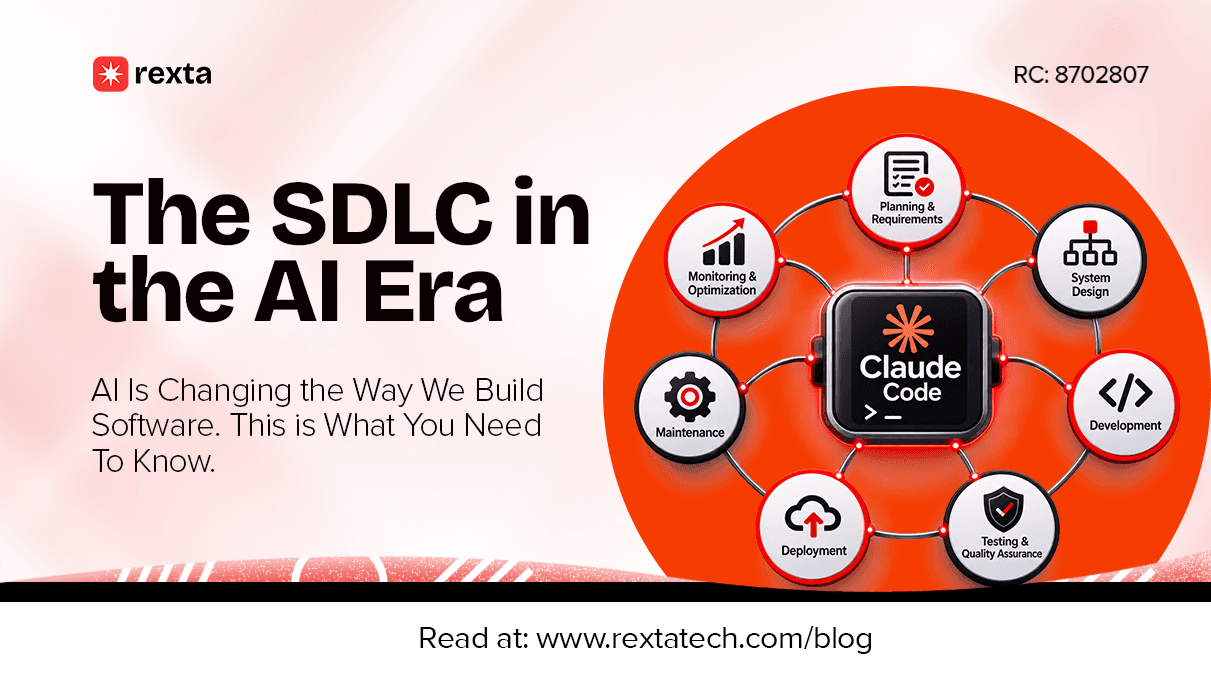
The SDLC in the AI Era: How AI Is Changing the Way We Build Software
Explore how AI is changing software planning, design, coding, testing, deployment, and maintenance, and what developers and businesses need to understand.
13 Nov 2026
Your MVP Should Embarrass You a Little: The Right Way to Scope Your Product
Learn what makes a minimum viable product, how to avoid scope creep, choose the right features for your first release, and use early user feedback to build a better product.
13 Nov 2026
7 Books to Read as a Business Owner Before You Launch
Explore seven useful business books covering customer research, innovation, sales, leadership, and the practical lessons every aspiring entrepreneur should know before launching.
11 Nov 2026
Business 101: 7 Things You Need to Understand Before Starting a Business
Discover seven business fundamentals covering brand identity, customer research, financial management, marketing, and the systems needed to build a business that can grow.
6 Nov 2026